
Cabarrus County Court Records at the Clerk
Cabarrus runs one unified Clerk of Superior Court office. That office keeps the General Court of Justice dockets, indexes, and files for everything from criminal and civil matters to estates, small claims, and traffic. A case's court assignment shapes its path. It does not split records into separate criminal and civil keepers.
Treat the eCourts Portal as a doorway, not the record itself. Find the public Case Summary there first. Then go to the clerk for the full public file, a prepared copy, certification, or word on official status. This matters most when a Portal entry is new, incomplete, restricted, or missing a document image entirely.
Cabarrus County Court Record Requests
Bring a case number and court location if you can. Each Cabarrus route serves a distinct purpose. The Portal finds public Case Summaries. The terminal and counter support in-person access, and the phone line answers procedure questions. Mail works only for what the clerk confirms in advance. The clerk offers no routine email, fax, drop-box, or local copy-request form for court files. Confirm the channel before you rely on it.
- Use the public eCourts Portal to locate the Case Summary and identify the exact case, court location, and document or record type needed.
- Use a clerk-office terminal or kiosk when Internet access is unavailable or when a public web view does not answer the record question.
- Visit the Cabarrus Clerk counter for physical-file access, plain copies, certified copies, exemplifications, or official confirmation, subject to restrictions.
- Call the clerk at 704-262-5500 to ask whether a record is public, what request method applies, the total charge, and whether the matter should be handled in person.
- Do not assume mail is a copy-order channel. The published P.O. Box 70, ATTN: Bookkeeping route documents payment mail, so confirm with the clerk before mailing a record request or payment.
For a first pass at a public case, the county's Docket Search page walks through the Case Summary, the fields you can search, and where access stops.
Cabarrus County Court Records Access Channels
The Judicial Branch's court-records access guidance draws a line between clerk-held files and transcripts or audio. It also covers self-service terminals for criminal searches by defendant name, case number, victim, or witness, plus civil, estate, and special-proceeding searches. The case file itself comes from the clerk where the case sits.
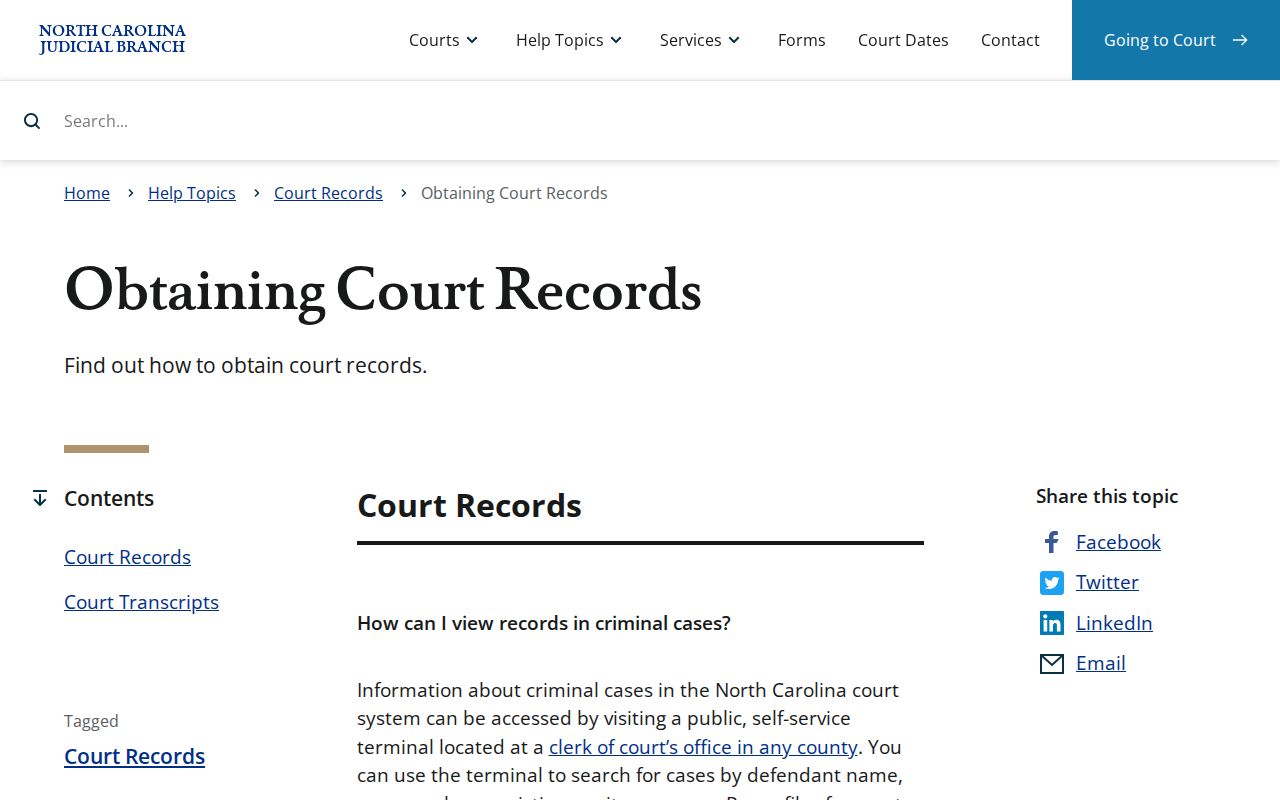
A terminal is a handy Cabarrus backup. That helps when the web view hides an older item or drops a session feature. It grants no special rights. Juvenile, sealed, expunged, and other confidential records stay closed no matter how you search. The clerk publishes no terminal fee, wait time, or fixed copy turnaround. Ask about those before your visit.
Kinds of Court Records
"Court record" covers several different things. Naming the exact item helps the Cabarrus Clerk pick the right source and fee. A Case Summary is just the public index and timeline. A filed paper, a plain copy, a certified copy, a transcript, and an audio recording can each follow its own channel. Access rules vary too.
- Case Summary or Register of Actions: the Portal's public case index, events, hearings, dispositions, and applicable financial information.
- Filed document: a pleading, order, judgment, exhibit, or other paper or image in the clerk-held file when public and available.
- Plain prepared copy: a clerk-prepared reproduction that is not an authenticated official copy.
- Certified copy: a clerk-issued copy that uses the applicable certification or seal process.
- Exemplified copy: a more formal authenticated-copy category with its own statutory fee item.
- Transcript or recording: a record of proceedings that follows a court-reporter or Judicial Branch audio-request route rather than an automatic Portal download.
Cabarrus County Court Records Beyond the Case Summary
The Portal labels its public display a Case Summary. It is called a Register of Actions in training materials. Expect fields for Case Information, Assignment Information, Party Information, causes of action, Case Events, Dispositions, Hearings, and Financials. That is a strong index and procedural trail. It is not a promise that every paper is public, online, instant, or downloadable.
A result may lag until an upload to Odyssey lands. Clerk processing adds its own delay. Need a current filing stamp, a complete public paper file, or an official copy? Ask the Cabarrus Clerk. The Portal never substitutes for clerk certification.
Court Records: What They Contain
What a record holds depends on the case and public access limits. The fields listed here track the official Portal training inventory. They mark the line between a public view and a request for one specific paper. When you need an order, judgment, pleading, or another named document, ask for it by name. Ask by description if that is clearer. Vague requests slow everything down.
| Case number and case information | Identifies the record context and supports a precise clerk request. It does not itself guarantee the complete file. |
|---|---|
| Assignment information | Helps identify the court or judicial assignment for the matter. |
| Party information | Role-based participant information where public access permits. It should not be used to reproduce personal identifiers. |
| Case Events | Chronological procedural activity, such as filings, orders, or scheduling events, using the Portal's actual label. |
| Hearings and dispositions | Public hearing information and recorded results or status, each read separately from the other. |
| Filed orders or judgments | Actual court papers sought through the Cabarrus Clerk when accessible. The Portal view is not a guarantee of document-image availability. |
| Financials | An applicable Case Summary area that is distinct from the complete case file and from any payment decision. |
Cabarrus County Court Records Payment Instructions
The Cabarrus payment information page covers cash, major cards with a processing charge, money order, and certified check for payments made in person. It warns against mailing cash, personal checks, or cards. A mailed payment should be a money order or certified check payable to "Cabarrus Clerk of Superior Court," sent to P.O. Box 70, ATTN: Bookkeeping.
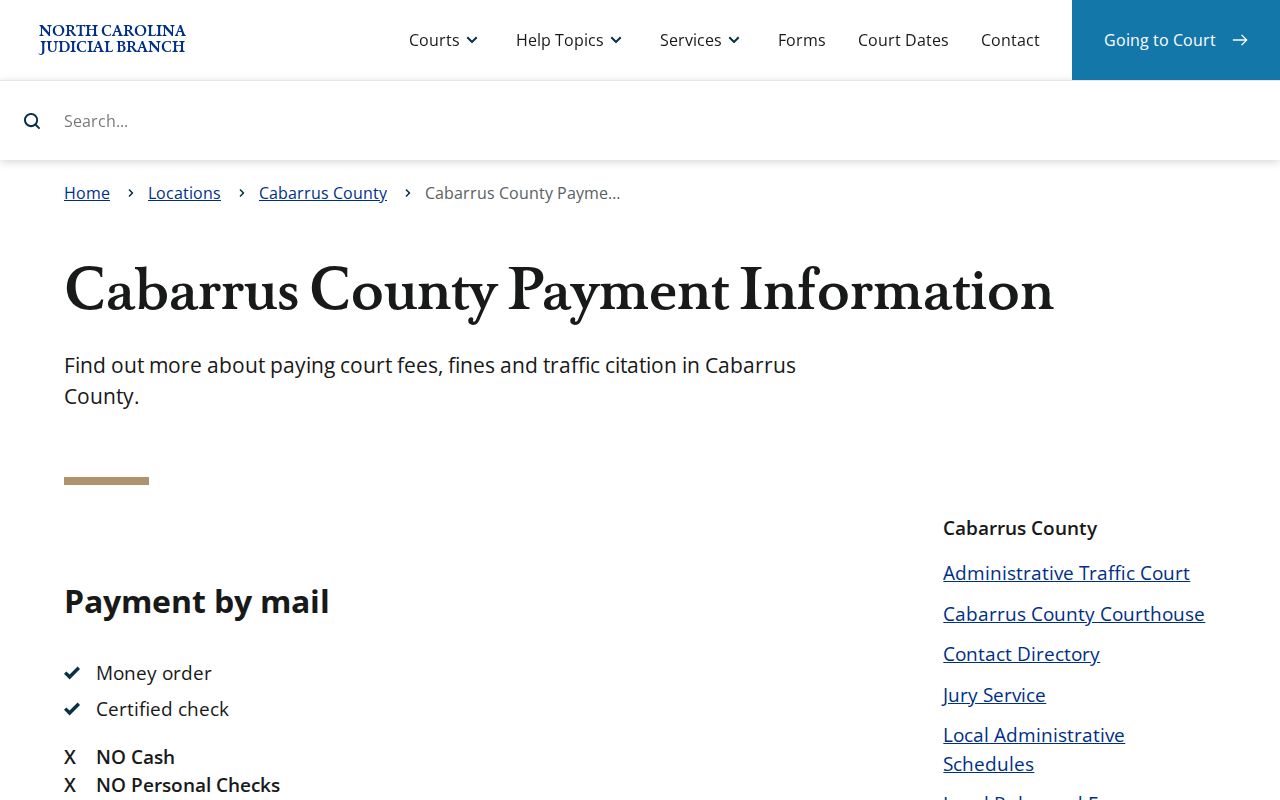
Those rules govern court obligations, not a proven mail-order path for copies. The Cabarrus Clerk publishes no ordinary copy-order form or stated document-payment method. Confirm the accepted payment and total with the clerk before mailing anything for a record request.
Copy Fees and Certification
G.S. 7A-308 sets the clerk fee items. The statute lists line items, not one universal certified-copy price. So ordering an order or judgment may mean a short talk about preparation, page count, and the type of authentication.
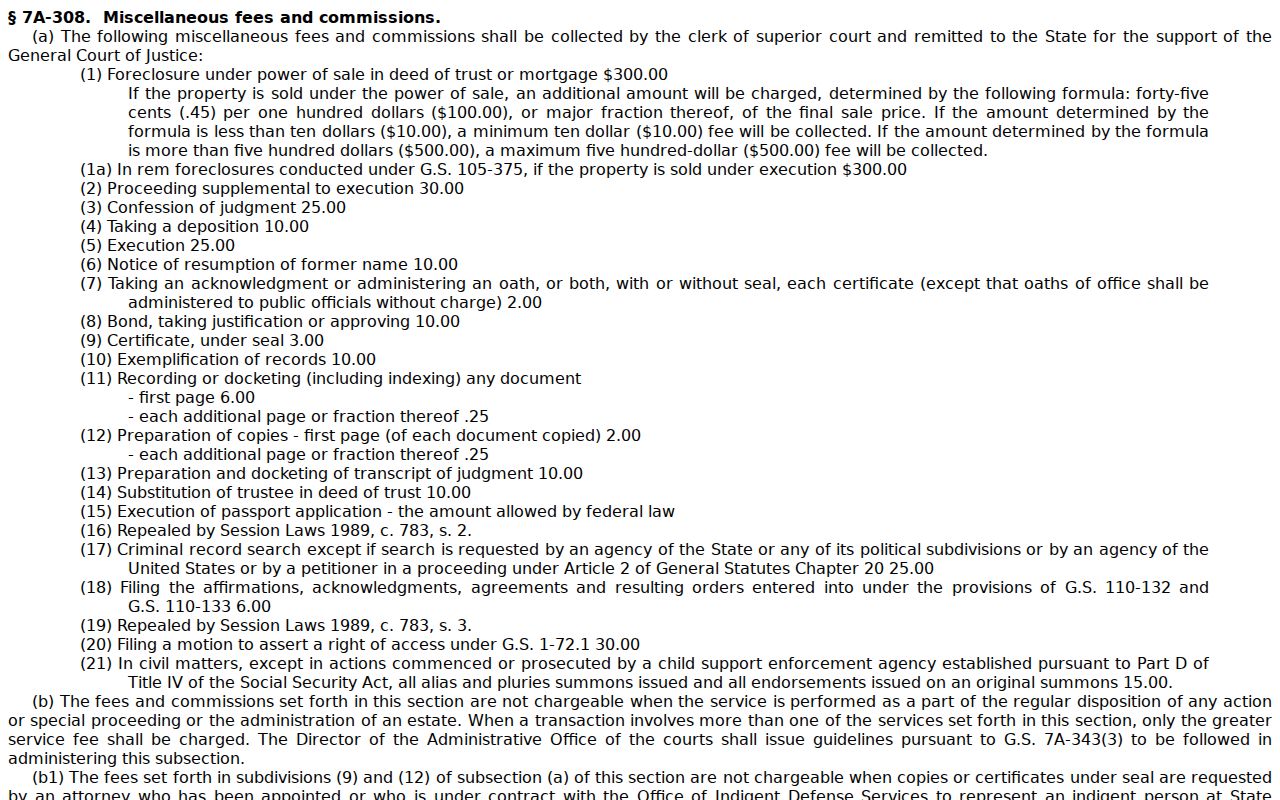
Always ask for a total first. The Cabarrus Clerk posts no statement that a certified docket sheet bundles the prepared-copy charge with a certificate-under-seal fee. No local online document-image price is published either.
| Clerk request or item | Statutory amount or rule |
|---|---|
| Prepared copy, first page of each document | $2.00 |
| Each additional page | $0.25 |
| Certificate under seal | $3.00 |
| Exemplification | $10.00 |
| Criminal record search | $25.00 statutory item; not presented here as the ordinary public Portal route. |
| Transcript or court audio | Confirm the current reporter or audio-request process and charge with the court or clerk. |
Cabarrus County Clerk of Superior Court
Cabarrus County Courthouse
61 Union Street South
Concord, NC 28025
704-262-5500
Cabarrus County Court Records Authentication Choices
A plain copy is just a clerk reproduction of the record. Ask for a certified copy and the clerk applies its certification or seal. An exemplified copy goes further. It adds a stricter form of authentication for out-of-state or formal use. The three labels are not the same thing. Before you order any Cabarrus County court record, tell the clerk which organization or proceeding needs it. That detail determines the right copy type.
- Plain prepared copy
- A clerk-prepared reproduction. It is not automatically an authenticated official copy.
- Certificate under seal
- A $3 statutory item that may apply depending on the record and requested certification.
- Exemplification
- A separate $10 statutory authentication item. Confirm whether it is needed and how the clerk handles it.
Transcripts and recordings follow their own rules. Where one applies, a court reporter transcript must be ordered from that reporter, and the reporter sets the fee. Judicial Branch audio-recording forms exist for certain recordings. Availability, confidentiality handling, and the current process for a given Cabarrus case should be confirmed directly.
Access Rules for Court Records
Judicial files sit under a court-specific access framework rather than a general one. G.S. 7A-109 opens clerk records, files, dockets, and indexes to public inspection during regular business hours, except where another law blocks access. The broader public-records definition in G.S. 132-1 supplies background only. It cannot be used to wipe away the restrictions that attach to court dockets and case files.
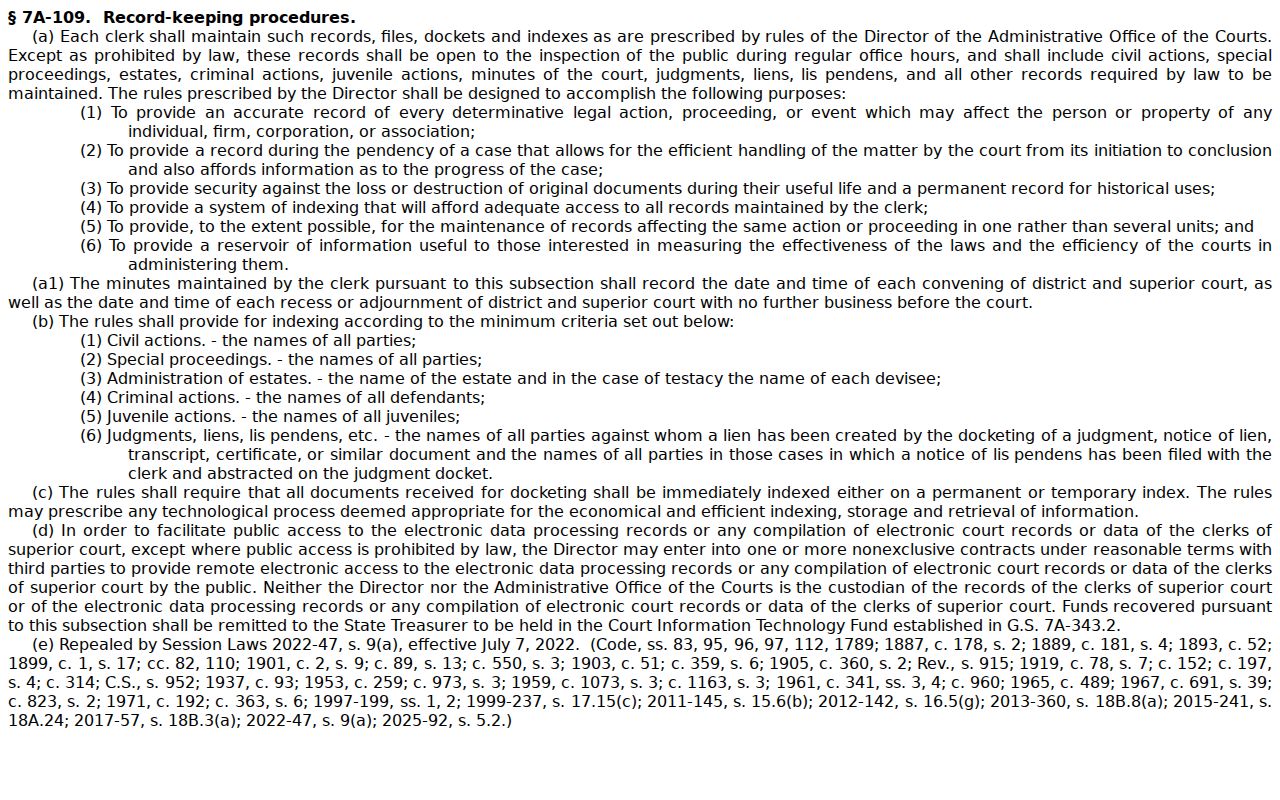
Some court records stay off limits. Expunged records, juvenile records, sealed matters, confidential filings, and safety-sensitive information may all be withheld from public view. If a Portal search returns nothing, that alone does not prove no case file exists, and no account or alternate city search should be used to slip past a restriction.
Key rules: G.S. 7A-109 governs inspection of clerk records, files, dockets, and indexes during regular business hours, subject to legal restrictions.
G.S. 15A-151 makes records of expunction confidential, and G.S. 7B-3000 limits public inspection of juvenile records unless an exception or order applies.
G.S. 7A-308 supplies clerk copy and authentication fee items. Contact the Cabarrus Clerk for the applicable procedure and total charge.
Cabarrus County Court Records and Remote Access
North Carolina's Remote Public Access Program offers licensed access on its own terms. It covers real-time and bulk court data. It is not the same as public Smart Search. Nor does it replace the Cabarrus Clerk's official-copy channel. The public program page lists no general subscription price.
For one Cabarrus court record, stick to the supported order of steps. Start with the public Portal for a Case Summary. Use the clerk terminal or counter when you need more. Then request a plain or authenticated copy through the clerk. That route keeps sealed, juvenile, expunged, and confidential material properly protected.