
Cabarrus County Docket Search Starts With Smart Search
Cabarrus moved onto eCourts on October 14, 2024. The public search path now runs through the statewide North Carolina eCourts Portal, and there is no county-branded docket site for Cabarrus. Choose Smart Search and stick to publicly available information. You do not need to register. Anonymous visitors can search and open public Case Summaries.
Smart Search is not the same tool as North Carolina eFile or File & Serve. eFile handles filing, not case lookup. Once a result appears, check that the court location reads Cabarrus. Then let the case type, status, and public event trail tell you whether this is really the matter you want.
Name-Based Case Searches
No case number on the court paper? A name search still works. Treat it only as a way to surface possible public records in Cabarrus, not as proof of identity or a complete court history for anyone. The Portal's wildcards help you widen a search, and pairing them with Cabarrus location and case filters keeps the results manageable.
- Open the eCourts Portal and select Smart Search, not the filing service.
- Enter a last name using at least three characters followed by *; a first name may use one character followed by *.
- Use the available court-location filter to narrow statewide results to Cabarrus, then refine by case type, case status, or filing date where relevant.
- Open a matching public Case Summary and confirm the court location, case type, and party information before reading its events or hearings.
A matching name alone never identifies the right file, so read the case context before trusting a result. Enter and reproduce only the personal data you truly need.
| Search field | Input type | Required | Documented use |
|---|---|---|---|
| Last name | Text with wildcard | No | At least three characters followed by *. |
| First name | Text with wildcard | No | One character followed by * can be used with a name search. |
| Case number | Text with wildcard | No | A precise number is preferred when available; the documented wildcard minimum is four characters followed by *. |
| Court location | Advanced filter | No | Use Cabarrus to reduce results from the statewide search environment. |
| Case type, status, filing date | Advanced filters | No | Useful for separating case categories and active or disposed public results. |
Cabarrus County Docket Search Wildcard Rules
The Portal's own guidance sets different minimums for different inputs. A case-number wildcard takes at least four characters plus an asterisk. So does a business or nickname search. For a person, the last name needs three characters plus the asterisk. The first name can run on just one character plus the asterisk. These rules shape a query, but they guarantee nothing about completeness. A returned name is never automatic proof of a match.
You can narrow what comes back by court location, case type, case status, and filing date. The safest sequence is simple. Search broad, and filter to Cabarrus. Then confirm from the Case Summary instead of guessing at more spellings of a person's name.
Case Number Searches
A case number is the most direct lookup key. North Carolina training breaks an eCourts case number into four parts: a two-digit year, letters for the case type, a six-digit sequence, and a three-digit county identifier. The teaching format is YY + case-type letters + six-digit sequence + county identifier.
That statewide description does not license you to invent a Cabarrus county code. Use the complete number printed on the court paper or shown in the Case Summary. When only part of it is known, apply the documented four-character-plus-asterisk wildcard rule, then verify the court location on the result rather than filling in an assumed suffix.
Cabarrus County Docket Search Case Summary
The Portal labels its public record a Case Summary. It also calls it a Register of Actions. Read the structured fields before reading meaning into the timeline. Case Information, Assignment Information, Party Information, and the applicable cause-of-action area give context. Case Events, Dispositions, Hearings, and Financials each do a different job.
A Case Events line records procedural history. Hearings is where a current public setting lives. Dispositions is the section to check for a recorded result. Financials shows up only where it applies. Keep in mind that a Case Summary is an index and event trail. It is not necessarily every filed image or the official court record itself.
Older data needs care too. Portal guidance warns that events converted into eCourts before a county's go-live can show a 12:00 a.m. time. That is a technical artifact, not evidence of a midnight hearing. For a current court date, read the public Hearings section. Confirm any near-term or conflicting setting with the Cabarrus Clerk instead of inferring a time from the old chronology.
Case Search Results Explained
A public Case Summary offers more than a one-line result, but each field stops somewhere. The official training inventory below lists what the fields mean, and it is safer to rely on that than on labels from a private sample case. It lets you read Cabarrus results correctly while keeping the line between a public summary and the clerk-held file clear.
| Case Information | Case number and case information establish basic record context. They do not guarantee a complete public file. |
|---|---|
| Assignment Information | Helps identify the court or judicial assignment. Read it with current Events and Hearings. |
| Party Information | Shows role-based parties where public access permits. A name-only result is not enough to confirm a case. |
| Case Events | Chronological procedural history. It should not be used alone to forecast a current hearing. |
| Dispositions | Recorded outcome or status. Later financial, appeal, compliance, or enforcement events can still follow. |
| Hearings | Public case-specific date, time, location, and setting information. Confirm time-sensitive changes with the clerk. |
| Financials | Appears if applicable. Payment availability does not mean every item is payable online. |
Two Ways to Search: County and State
For state court, one public lookup serves Cabarrus: the statewide eCourts Portal, narrowed to Cabarrus as the court location. Calling it a county portal would mislead. When the Portal cannot answer the record question, the Cabarrus Clerk, its terminal, and its counter are the county-level paths for a physical-file check, an official copy, certification, or confirmation.
| Statewide eCourts search | Cabarrus clerk and terminal path |
|---|---|
| Public Case Summary, hearings, judgment search, and eligible payments where available. | Case-file access, Portal confirmation, plain copies, and official certified copies subject to restrictions and fees. |
| Anonymous Smart Search is available for public information without an account. | In-person terminal or counter access can be used when Internet access is unavailable or a public web view is insufficient. |
| Useful to locate a case and narrow a statewide result to Cabarrus. | Useful to confirm official status or request a record held by the Cabarrus Clerk of Superior Court. |
Cabarrus County Docket Search and Federal PACER
The Middle District of North Carolina's counties-served page lists Cabarrus within that federal district. That federal court sits apart from Cabarrus Superior and District Courts. A state eCourts Case Summary never turns into a federal docket just because a subject has a federal connection.
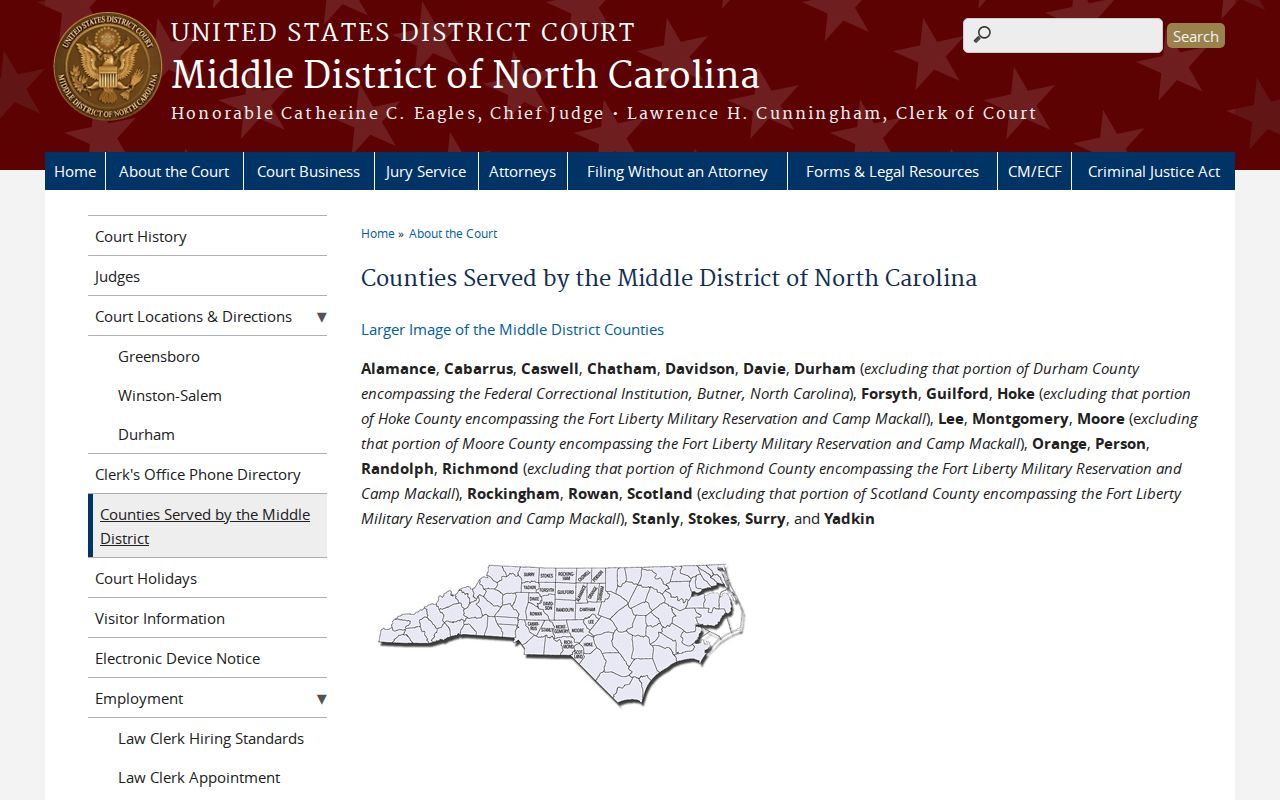
Federal dockets run through PACER. The Middle District's CM/ECF system handles the filings themselves. Think of the split the way Cabarrus County readers already know eCourts versus North Carolina eFile: one tool submits papers, and a different route is how the public reads the court docket.
Cabarrus County Docket Search and PACER Costs
PACER is not free to browse. The federal judiciary's PACER pricing information spells out registration, current charges, and the waiver rules that apply to federal docket access. Keep it in mind only for federal civil, criminal, bankruptcy, or appellate cases; an ordinary Cabarrus County state trial-court docket never touches this system.
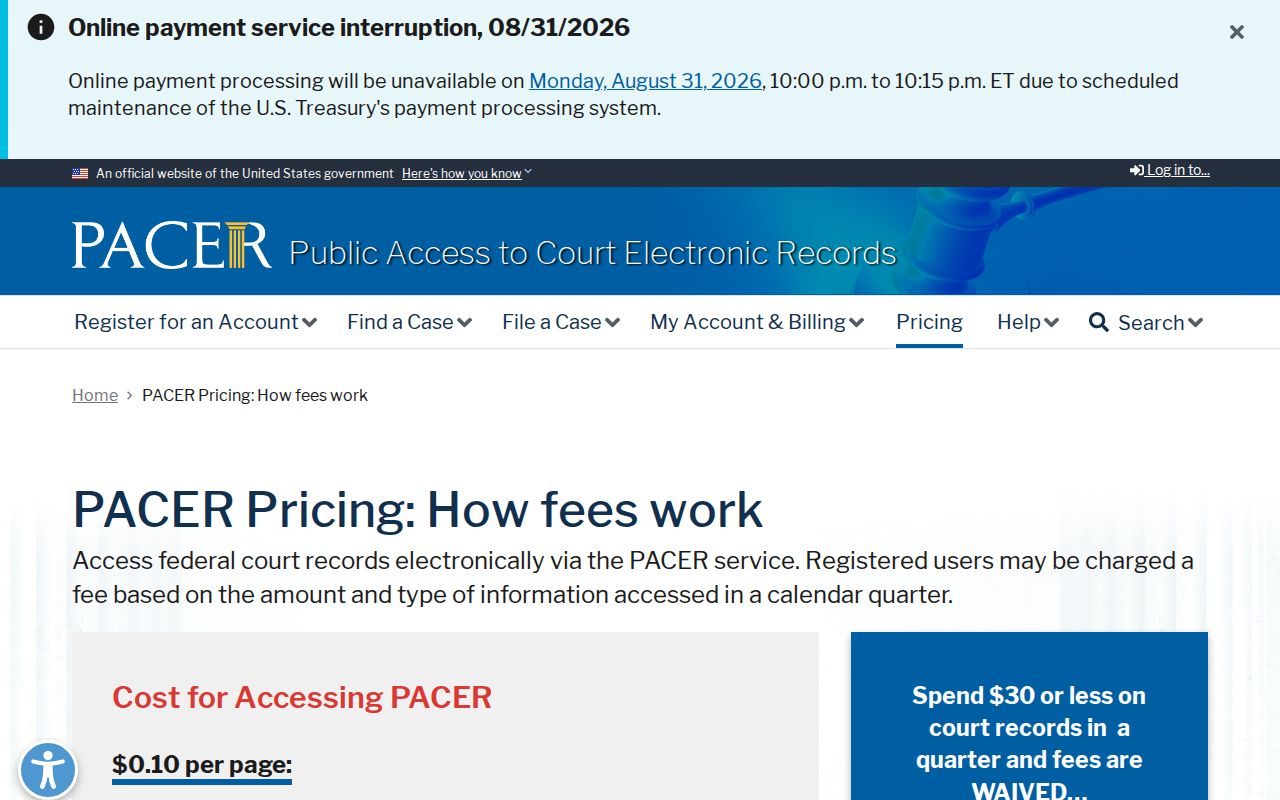
That official page lays out a per-page charge, a cap on document fees, and a quarterly waiver threshold, along with exceptions. Check it for the current terms before relying on any figure. None of this pricing applies to the North Carolina Portal or to a record request filed with the Cabarrus Clerk.
Cabarrus County Docket Search Remote Access
The state's Remote Public Access Program serves up licensed real-time data and bulk extracts for approved users. It is built for statewide data work. It will not replace Smart Search or a certified copy from the Cabarrus Clerk when you just need one case lookup.
The program page posts no general subscription price. Its access terms and statutory basis govern who may use it. For a single Cabarrus County court docket, start with the free Smart Search. Then fall back to the clerk. Don't assume the program's existence grants you any docket access at home.
Which Cases Stay Restricted
A empty search result does not mean no Cabarrus case exists. Juvenile records, sealed files, expunged criminal records, unreturned warrants, protective-order material, and other confidential information may sit outside what the public Portal shows. A new filing can also lag while it processes. Creating an account changes none of this. My Cases lets you save public cases you find. But registration does not widen what you can view. Elevated access exists for counsel and users authorized by statute under a separate agreement, not for a curious reader. When a record stays hidden, ask the Cabarrus Clerk about a lawful public route or an official copy. Follow the court's process whenever an order is needed.
Cabarrus County Docket Search Location Matters
The Cabarrus County profile lists Concord as the county seat and sketches the county's municipalities. That map does not mean each town runs its own docket system. Every Cabarrus state-court case flows through the General Court of Justice and the unified Clerk of Superior Court, so one structure holds the court records no matter the town.
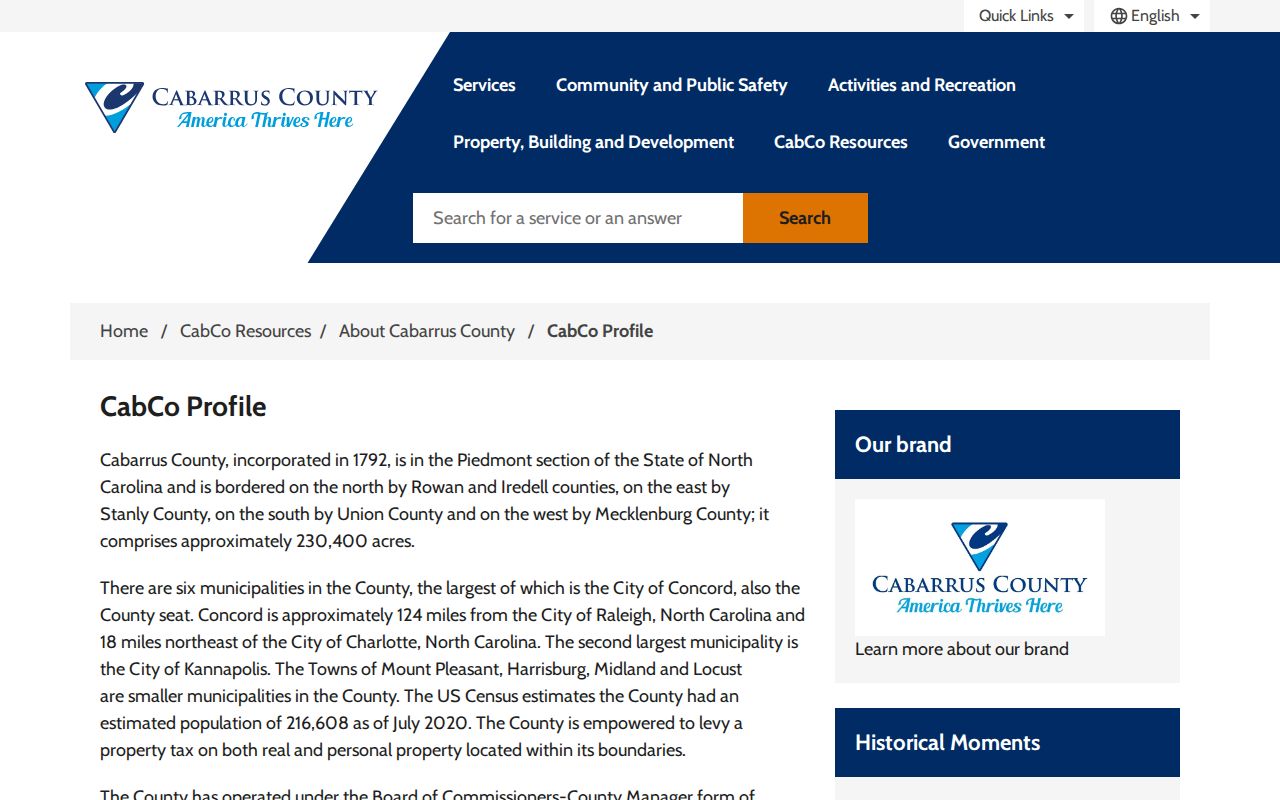
Kannapolis spills across the Cabarrus and Rowan county line. That makes the court designation on your citation or court paper the detail that matters. Go where that paper says the case sits, since the municipality alone will not tell you which court holds the docket record.
Cabarrus County Docket Search Clerk Fallback
Work in order when the Portal comes up empty. Try the Portal first, then a clerk-office terminal or kiosk, then the Cabarrus Clerk by counter or phone. A blank online result might mean a restriction, a processing delay, or a record kept out of the public display. It is not proof the court holds no file. The clerk's staff can walk you through the public records path and hand over official copies where the law allows. They cannot override a restriction through a regular public account. They also cannot give legal advice. When you call, have the case number, court location, the document you want, and questions about availability, copy fees, and certification ready to go.