
Cabarrus County Criminal Docket Searches
One statewide tool does most of the work here. The North Carolina eCourts Portal is the first stop, not a county-only criminal database. Anyone can open Smart Search without an account and pull public Case Summaries. A case number beats everything as a search key. If all you have is a name, the Portal's own training says to use its wildcard rules. Then trim the statewide results with filters for Cabarrus court location, case type, status, and filing date. Registering lets you save a case in My Cases. A registered account unlocks nothing extra. Check the court location before you call a result a Cabarrus criminal case. Open the full Case Summary, also called a Register of Actions. Do not trust a single result line. Case Events carry the history. Hearings is the better tab for a current setting. Records that are not public online can still be viewed at the courthouse terminal. Or ask the Cabarrus Clerk of Superior Court for the lawful access route. A Portal result helps, but it is not the official court record.
- Open the eCourts Portal and choose Smart Search.
- Enter the actual case number, or use the documented name-search method and narrow to Cabarrus.
- Check Case Information and Assignment Information to confirm the court and case type.
- Read Case Events for history, then review Hearings for the current public setting.
- Contact the clerk when an official copy, certification, or time-sensitive confirmation is needed.
Cabarrus Criminal Case Summary Search
Portal training distinguishes Smart Search from eFile. North Carolina eFile / File & Serve is a filing service, not the public criminal docket viewer. The searchable Case Summary is a structured public index. It can include case and assignment information, parties, Case Events, Dispositions, Hearings, and Financials when applicable. The Portal may also offer Search Hearings by case number, party, attorney, judicial officer, or courtroom.
Official Portal training resources illustrate the public search and Case Summary concepts without using a private case example. Historical entries moved into eCourts before Cabarrus went live can display a 12:00 a.m. time. That technical conversion time should not be read as an actual hearing time. When a result is new, unclear, or near a court date, compare the Hearings section with the notice and confirm through the clerk.
The Judicial Branch Portal training index is the source for the public-search workflow shown here.
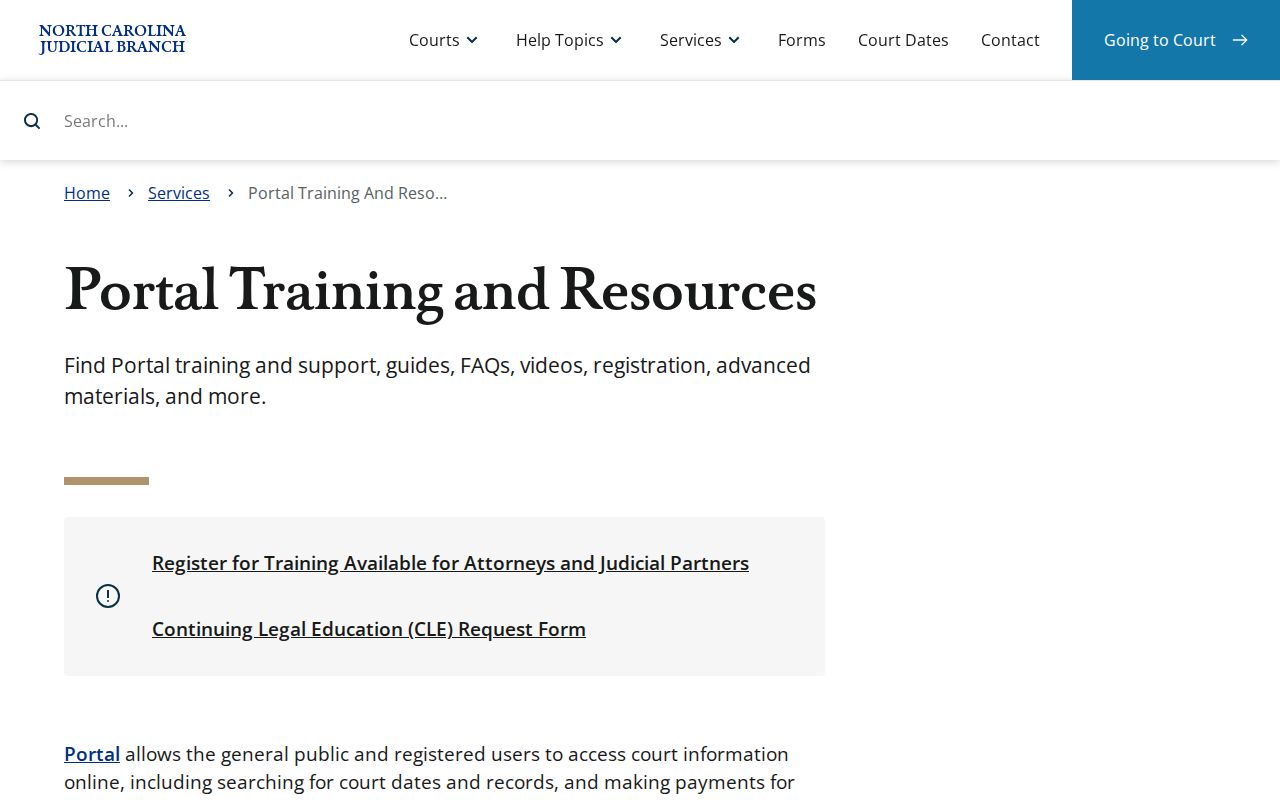
Stick to the sections the training describes. Guessing at menus or private-case fields is not the way to read a Cabarrus criminal docket.
Criminal Dockets: What They Show
A Cabarrus criminal Case Summary is an event trail and an index, best read in parts. Case Information and Assignment Information set the context. Party Information may be public, subject to restrictions. Case Events give the chronology in order. Hearings list scheduled events where public, while Dispositions record an outcome or status, and Financials appear when they apply. A disposition does not always close the book, since financial, appeal, compliance, or enforcement entries can follow it.
| Case number | Use the court-assigned number on the notice. State training describes a year, case-type letters, sequence, and county identifier, but no Cabarrus-specific sample. |
|---|---|
| Assignment Information | Helps distinguish a District Court or Superior Court criminal context. |
| Case Events | Chronological filings and procedural activity. They are history, not a promise of the next court date. |
| Hearings | Public date, time, location, and setting information when available. Confirm close to court. |
| Dispositions | Recorded result or status. Read it with later events before assuming finality. |
A number like YY-XX-000000-000 is only the statewide four-part teaching format. Use the actual number on your court papers rather than guessing a Cabarrus suffix or case-type code.
Cabarrus Criminal Court Assignment
Assignment matters because Cabarrus runs one clerk and one eCourts environment for trial-level criminal records. Misdemeanors and traffic matters usually sit in Cabarrus County District Court. Felonies go to Cabarrus County Superior Court. Magistrates sit within the District Court division. They can handle early steps like initial appearances, release decisions, and warrants. These divisions change the judicial path. They do not create separate county criminal search sites. A District Court appeal adds a Superior Court layer. The earlier record has not vanished; the Case Summary events and the clerk can identify the next proceeding. North Carolina Court of Appeals records sit outside the county trial-level Case Summary entirely. The clerk's counter is at 61 Union Street South in Concord. The main number is 704-262-5500.
Criminal Case Stages on the Docket
A criminal Case Summary can show charging or filing activity, assignment, scheduled events, a plea or trial event, a recorded disposition, and later activity where public. The exact order depends on the case. A practical reading sequence works well here. Confirm the record context first. Read Case Events in date order, find the current item in Hearings, then check Dispositions and Financials where they apply. A dated event is not automatically a future setting.
Criminal docket flow: Filing › Arraignment › Pretrial › Plea or Trial › Disposition › Sentencing
Cabarrus local materials use terms like administrative calendar, probation, pretrial/trial, and plea. Each label describes different calendar activity. They do not mean every criminal case follows the same sequence, or that a scheduled event is an outcome.
Cabarrus Criminal Calendar Labels
A 2025 local administrative order sets the rhythm for Cabarrus County criminal calendars. It lists an administrative calendar at 10:00 a.m. on Day 1. Probation matters sit at 2:00 p.m. that same day, and pretrial and trial work at 9:30 a.m. on Day 2. Treat these as scheduling customs rather than promises. Nothing in the order guarantees your case lands in a slot. The individual Case Summary and the current notice both matter. A word with the clerk controls what actually happens.
- Administrative calendar
- A session for management or procedural criminal business.
- Pretrial
- A scheduled criminal proceeding before trial.
- Plea
- A criminal proceeding in which a plea may be entered.
- Continuance
- A postponement that can make an older hearing entry no longer current.
Trust the label you see on the Portal. Cabarrus County publishes no official codebook for decoding abbreviations. So skip generic translation lists. When a shorthand term on a criminal docket confuses you, ask the clerk to clarify it instead.
Cabarrus County Criminal Docket Courts
Cabarrus County criminal court dockets sit inside the North Carolina General Court of Justice, District 25. Misdemeanors and traffic cases usually land in District Court. Felonies go to Superior Court. One office serves both divisions: the unified Cabarrus Clerk of Superior Court keeps the files, dockets, and indexes. A good first step is the statewide Case Summary online. Its assignment information tells you which court context applies.
Prefer going in person? The Judicial Branch says criminal records can be searched on a self-service terminal at a clerk's office by defendant name, case number, victim, or witness. Cabarrus also offers eCourts kiosk services. Ask at the clerk counter about terminals, rooms, and hours, since those details are not published. The clerk can also explain how to request a public document or a certified copy.
Cabarrus Charges and Dispositions
A charge is only an alleged criminal offense. It is not a conviction, and it is not a disposition. The Portal separates charge information from Case Events, Hearings, and Dispositions. Follow that structure when reading a case. Read the recorded disposition before you characterize a result. Then scan later events for anything that came after. That habit keeps an accusation or an old filing from hardening into a final conclusion in your mind.
Take labels as they come. Charge classifications, bond terms, pleas, warrants, and sentencing labels should never be guessed. Do not fill them in from outside sources. If an official public summary shows a label, keep that exact label. When its meaning or current effect is unclear, ask the Cabarrus Clerk.
Access Rules for Criminal Dockets
G.S. 7A-109 opens the clerk's records, files, dockets, and indexes to public inspection during regular business hours. Another law can limit access. The eCourts Portal is a public channel too. One caveat applies: official Portal materials say it is not the official court record. What you see online can be limited or delayed by processing. It can also be thinner than the courthouse kiosk. For an official copy or any access question about a specific file, contact the clerk.
Key access rules
G.S. 7A-109 permits inspection of clerk court records during regular business hours except where access is prohibited.
G.S. 15A-151 makes expunged criminal records confidential.
G.S. 7B-3000 withholds juvenile clerk records from public inspection unless an exception applies.
Some things will not show up in a public result. Sealed, expunged, juvenile, warrant-related, protected, and confidential information may all be absent. A missing result does not mean no case exists. Do not try to slip past an access limit with extra searches or an account. North Carolina's expunction confidentiality statute is what sets this rule. The official statute page spells out the restriction.
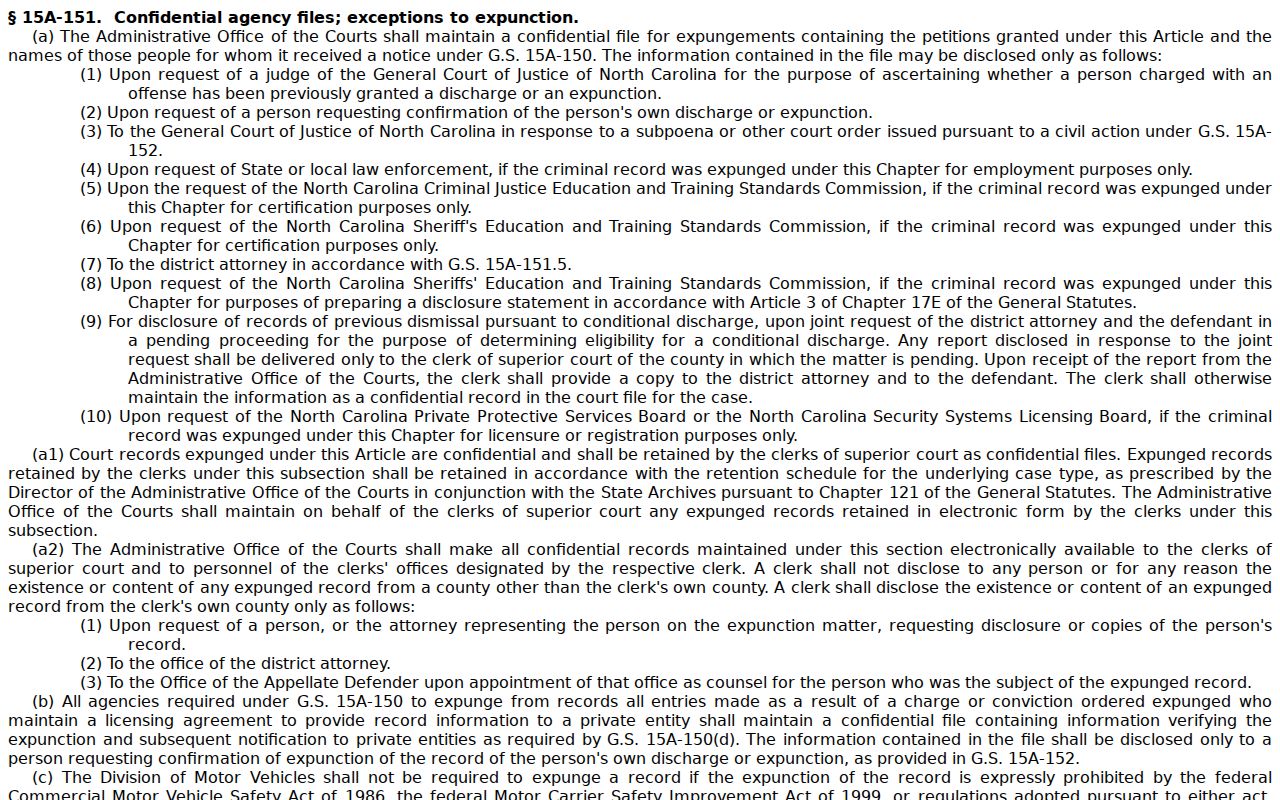
Expunction confidentiality is a legal restriction, not a gap another public lookup can close.
Cabarrus Criminal File Fallback
When the online search comes up short, work down a simple chain. Start with the Portal. Then try a courthouse terminal or kiosk. Next comes the Cabarrus Clerk counter. Finally, a plain or certified-copy request works if the file is public. The main courthouse sits at 61 Union Street South, Concord, NC 28025. The Clerk's main line is 704-262-5500. Have the case number ready. Name the exact document you need. Asking for a specific order or judgment beats asking for a vague whole docket.
Copies cost what the statute sets. A prepared clerk copy runs $2 for the first page of each document, then $0.25 per additional page, while a certificate under seal adds $3 and exemplification adds $10. One order can stack several of these items, so ask for the total first. For a wider criminal-docket lookup across public case types, the county's Docket Search route covers it.
One limit on these files comes from juvenile law. The juvenile-record confidentiality statute spells out which juvenile materials stay closed.
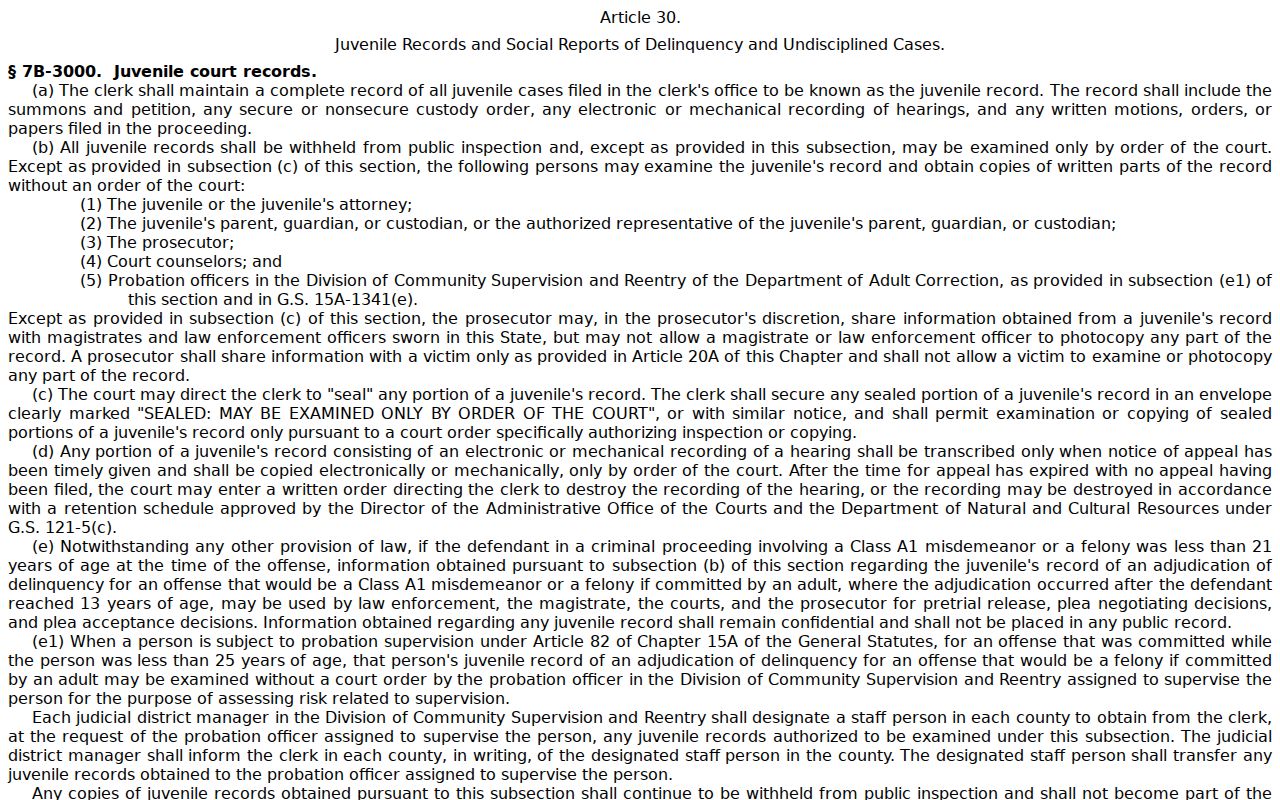
Clerk and terminal access follow the same limits for juvenile, sealed, expunged, and confidential files.